Skip to content
Inkscape
Getting Started
Drawing Tools
Icons & Illustrations
Path & Shape Editing
About
Contact
Inkscape
Getting Started
Drawing Tools
Icons & Illustrations
Path & Shape Editing
About
Contact
Drawing Tools
How to Use the Spiral Tool in Inkscape (Create and Customize Spirals)
Learn how to use the Spiral Tool in Inkscape to create and customize spirals by adjusting turns, divergence, and inner radius for precise designs.
Read More
How to Use the 3D Box Tool in Inkscape (Perspective, Vanishing Points & Editable Faces)
Learn how to use the 3D Box Tool in Inkscape to create and control 3D boxes with perspective, vanishing points, and editable faces.
Read More
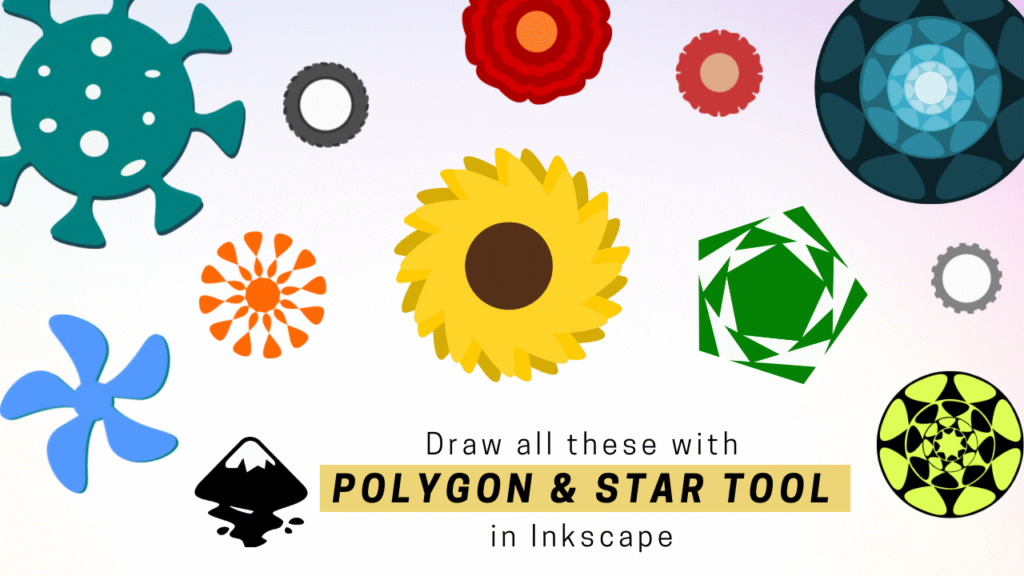
Vector Art Examples using Star and Polygon Tool in Inkscape
Learn how to create different vector art designs in Inkscape using the Star and Polygon tools.
Read More
How to Use the Star and Polygon Tool in Inkscape (Stars, Polygons & Controls)
Learn to create stars and polygons in Inkscape with the Star/Polygon Tool. Adjust corners, spoke ratio, and rounding for perfect geometric designs.
Read More
How to Use the Ellipse Tool in Inkscape (Circles, Arcs & Pie Shapes)
Learn how to use the Ellipse Tool in Inkscape to draw and edit circles, ellipses, arcs, and pie segments easily.
Read More
How to Use the Rectangle Tool in Inkscape (Rounded Corners & Size Control)
Learn how to use the Rectangle Tool in Inkscape to create and edit rectangles, squares, and rounded corners with ease.
Read More
How to Use the Selector Tool in Inkscape (Select, Resize & Rotate Objects)
Learn how to use the Selector Tool in Inkscape to move, scale, rotate, and organize objects easily for smooth and precise vector editing.
Read More