Tutorials

Learn how to use the Calligraphy Tool in Inkscape — from width, angle, and thinning to tremor, wiggle, and pen tablet support. A complete guide with all toolbar options explained.
Learn how to use the Pen Tool in Inkscape to draw precise lines and smooth curves with full control.
Learn how to use the Pencil Tool in Inkscape to draw freehand lines, smooth paths, and edit vector strokes easily.
Learn about paths in Inkscape, how they work, the difference between shapes and paths, and how to edit nodes and convert shapes for precise vector editing.
Learn how to use the Spiral Tool in Inkscape to create and customize spirals by adjusting turns, divergence, and inner radius for precise designs.
Learn how to use the 3D Box Tool in Inkscape to create and control 3D boxes with perspective, vanishing points, and editable faces.
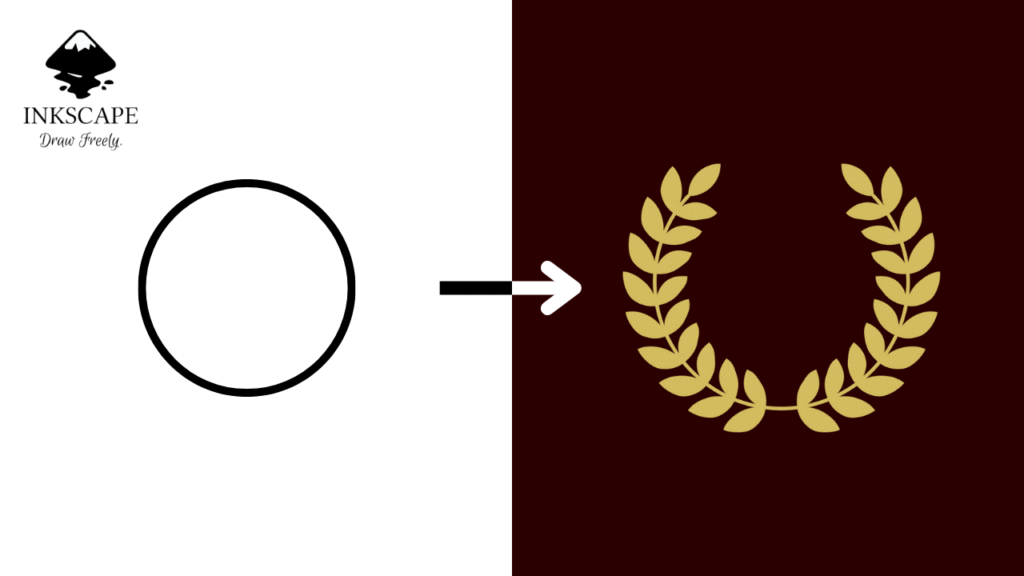
Learn how to create a professional laurel wreath logo in Inkscape step by step using the Pattern Along Path extension. Includes screenshots, shortcuts, and free tips.
Learn how to create a realistic bubble illustration in Inkscape using the Mesh Gradient tool and arc effects. Step-by-step guide with screenshots and shortcuts.
Learn to create stars and polygons in Inkscape with the Star/Polygon Tool. Adjust corners, spoke ratio, and rounding for perfect geometric designs.
Learn how to use the Ellipse Tool in Inkscape to draw and edit circles, ellipses, arcs, and pie segments easily.
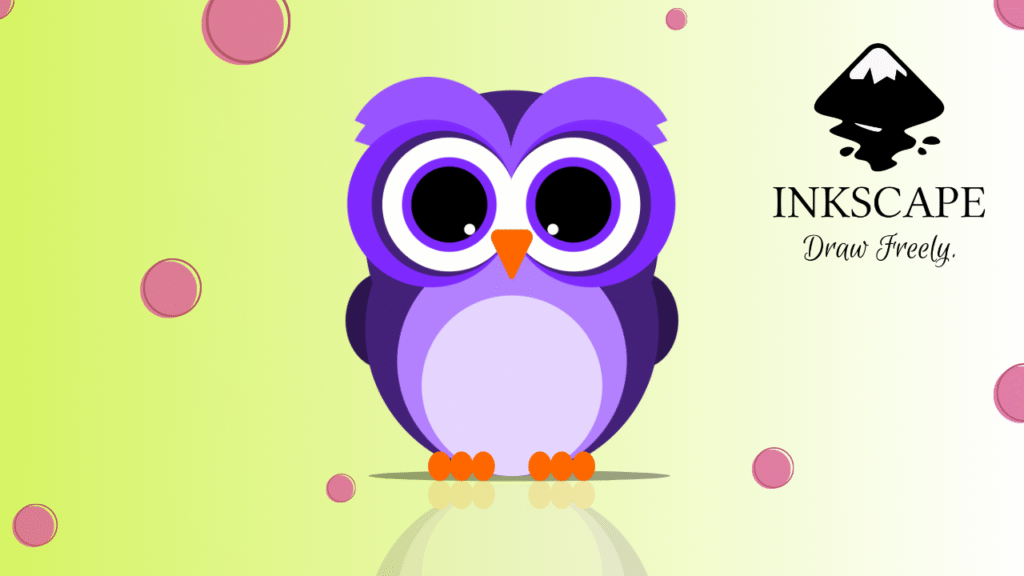
Learn how to draw a cute vector owl illustration in Inkscape step by step using basic shapes, path effects, and color fills. Includes shortcuts and screenshots.
Learn how to use the Rectangle Tool in Inkscape to create and edit rectangles, squares, and rounded corners with ease.
Learn how to use the Selector Tool in Inkscape to move, scale, rotate, and organize objects easily for smooth and precise vector editing.
Beginner’s guide to Inkscape. Learn what it is, how to install it, and explore its user interface to start creating your vector designs today.